Ethiopian National ID Convertor: How to Do?
Last updated on April 2nd, 2026 at 12:40 am
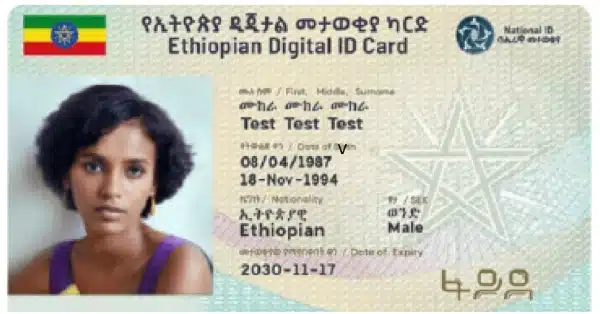
Ethiopian National ID Convertor converts National ID into printable formant. You need to download PDF version of your National ID credentials first. The credentials can be downloaded from Fayda Residence Portal https://resident.fayda.et/ . You can download your National ID credentials in PDF format by using following official Fayda ID mobile application too: https://play.google.com/store/apps/details?id=et.fayda.nidfaydaApp. Install the application on your mobile, sign up, enter your Fayda ID number, and download credentials in PDF format.
Open Ethiopian National ID Convertor official page ( https://nationalidconvertor.com/en/login. Sign up with email. Long in. Drag and Drop your National ID PDF version printable credentials earlier downloaded by you. Click Convert and Download.





pdf prin
Gu
Convertor
cc
እጅግ በጣም ጥሩ ነው
Ok
open
Ok
Work
I need license individually to print national id Please help me
Nh