How to Connect Oromia Bank Account to Fayda?
Last updated on May 10th, 2026 at 11:39 pm
The procedure to connect Oromia Bank account to Fayda ID is simple. Just visit Oromia Bank’s official Fayda ID Connect page. Link is given at the end of this article. You do not need to visit the bank physically.
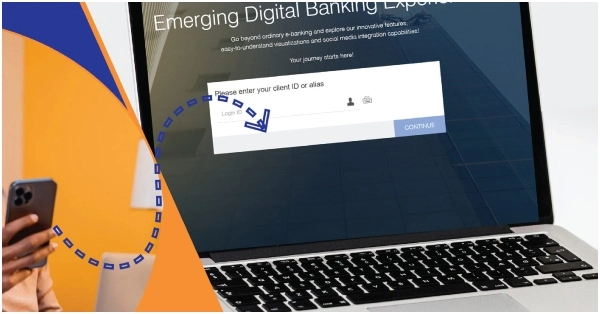
Open Oromia Bank Fayda Connection page. You will be asked to select the type of your bank account. Click either “individual account”, “joint account” or “corporate account”. Enter your Fayda Alias Number (FAN) or Fayda Customer Number (FCN). You can click either “Log in with Biometrics” or Log in with Code”. In case you click ” Log in with Code”, a code will be sent to your registered mobile number. Enter the code. You will be asked to allow Oromia Bank to have access to your data including your name, date of birth, address etc. Click Yes. Enter your Oromia bank account number and connect it to Fayda.
Never share your OTP with anyone. Always connect your Fayda ID to Oromia bank by using the following official page of Oromia Bank: https://obfayda.oromiabank.com/
Oromia International Bank Exchange Rate Today





How can i verify my account with fayda Id?
ፋይዳ ከአካውንቴ ጋር ማያያዝ አልቻልኩም
How to apply
When we changed customer name on system by cancelling Haji/shek and other then at the time of Link it seid mismatched what is wrong
3098293102607491
Even after i connected my fayda with the bank it’s not giving any service what’s the problem
Connect accunt to fayda