Check Gambella 8th Grade Ministry Exam Result 2018/2026
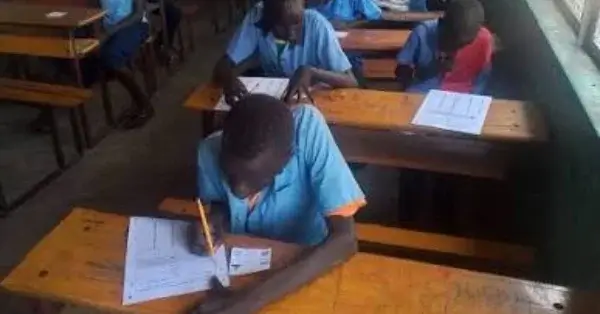
How to check Gambella 8th grade ministry exam result 2018/2026? Gamella regional education bureau today announced 8th grade exam result for the academic year 2018 E.C. (2026 G.C.). There are two ways of checking the result explained below.
Check Gambella 8th Grade Ministry Exam Result 2018/2026 on Website:
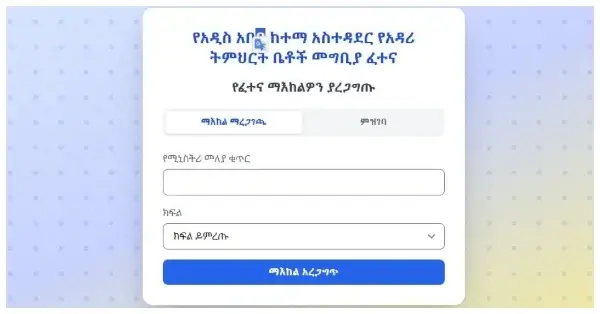
Open this official results website https://gambella.ministry.et/#/result . You can open this website in any web browser (Google Chrome, Mozilla, Opera, Safari etc. ) on your computer, laptop, tab or mobile phone. If you are outside Ethiopia, the website might not open. After opening the website, enter Student Registration Number and Name in the provided form, and click “Check your result” button.
Check Gambella 8th Grade Ministry Exam Result 2018/2026 on Telegram:
Alternatively, you can view the results on Telegram mobile application. Open Telegram on your Android or iOS mobile phone. Search for the bot ” @emacs_ministry_result_qmt_bot ” or ” @MinistryResultQMTBOT “. Start the bot. Select your region as ” Gambella” from Menu below. Select your Grade as “8” from the Menu below. Enter your 7-digit registration number and your First Name (If needed), and check the result. Please ensure that Virtual Private Network (VPN) is disabled.
Southwest Ethiopia Peoples’ Region Grade 8 Exam Result 2018/2026


GATWECH
Leave a comment…0331998