How to Check Oromia Regional 8th Grade Exam Result 2018/2026
Last updated on September 1st, 2026 at 12:37 pm
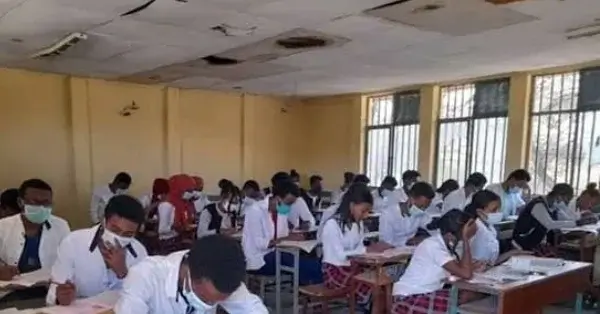
How to check Oromia regional 8th grade exam result? The Oromia regional education bureau today announced the 8th grade exam result for academic year 2018 E.C. (2026 G.C.). There are two ways of checking the result online. Follow the steps given below:
- Check the Oromia Regional 8th Grade Exam Result Using Web Browser:
Open any web browser ( Google Chrome, Opera, Mozilla etc. ) on your computer, laptop or mobile phone. Type this URL: https://oromia.ministry.et/#/result . Enter your registration number and name to check the result. Please ensure that VPN is disabled.
- Check the Oromia Regional 8th Grade Exam Result on Telegram:
Open Telegram app on your mobile phone. Search for the bot ” @emacs_ministry_result_qmt_bot ” or ” @MinistryResultQMTBOT “. After opening the bot, click the /start button. Select “Grade 8” from the options provided. Enter your 7-digit registration number and your first name correctly to view your results.
415,000 students took the 8th-grade exam in the Oromia region. 354,000 students (86%) advanced to the next grade (9th) by achieving a score of 50 or higher.
Qelem Meda Technologies has developed a digital Exam Management and Correction System (EMaCS) used by various regional Education Bureaus in Ethiopia to process and release student examination results.
Check Ethiopian Remedial Exam Result 2026/2018



Exit
0236438
0236438
[email protected]
Jjwjwk2bjw
Naice
061 233 2
Gjfhhf
Yaabsiraa
Oromia
QORMAATA MINISTIRII KUTAA 8FFAA
6
QORMAATA MINISTRII KUTAA 8FFAA