Bank of Abyssinia BoA Mobile Banking Activation Code
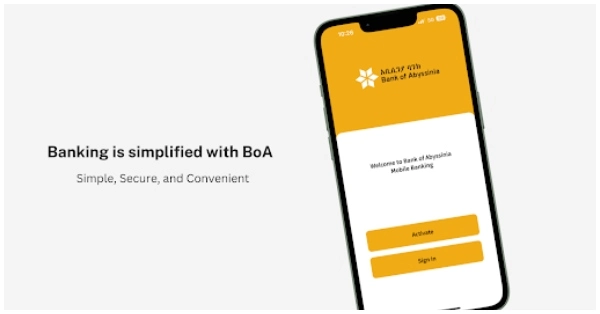
Bank of Abyssinia mobile banking activation code can be obtained by visiting any Bank of Abyssinia BoA branch where your mobile phone will be registered and the activation code will be provided to you. You can transfer money, pay bills, general QR codes, and check balance through BoA mobile banking. You can withdraw and deposit money as well through it.
After activation of the service at a bank branch, dial *815#. A 6-digit OTP will be sent to your registered mobile number. Enter the OTP. You do not need internet for using Bank of Abyssinia mobile banking through USSD *815#. ; Mobile network is required only. Alternatively, you can download “BoA Mobile” app from the Google Play Store or Apple App Store. Sign in using your PIN, Finger Print or Face ID and enjoy bank of Abyssinia mobile banking services.



I wound like to
It nice to be member of this back .
How can i get 6 digit boa mobile banking app code
ጠፍቶብኝ ነው ግንኙነት