How to Connect Fayda ID to Siinqee Bank Account
Last updated on April 25th, 2026 at 09:45 pm
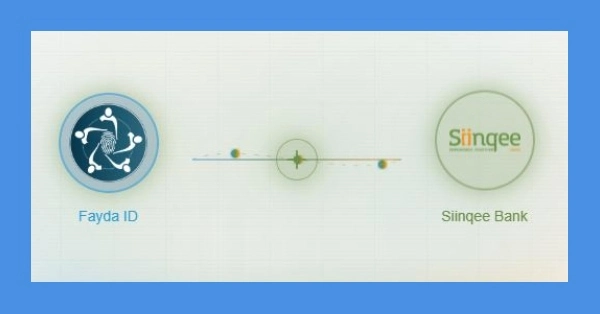
It is very easy to connect your Fayda ID to Siinqee Bank. You do not need to visit the bank physically. Just visit Siinqee Bank’s official Fayda ID Connect page. Link is given at the end of this article.
After opening the Siinqee Bank Fayda Connection page, your will be asked to verify your National ID. Click ” Harmonize Now”. you will be asked to click either “Log in with Code” or “Log in with Biometrics”. Click either of the two. Enter your 12-digit FIN (Fayda Identification Number). Enter the OTP/Code ( One Time Password) sent to your registered mobile number or email. You will be asked to allow Siinqee Bank to have access to your data including your name, date of birth, address etc. Click Yes. Enter your Siinqee Bank account number to link it to your Fayda ID.
Never share your OTP with anyone. Always connect your Fayda ID to Siinqee Bank by using the following official page of Siinqee Bank:https://fayda.siinqeebank.com:7443/
Siinqee Bank Employees Union Leaders Abducted
How to Connect Hijra Bank to Fayda ID
Mobile Banking USSD Codes for all Ethiopian Banks




Being optimistic is important
Yes
Qalbii ibsa yuyaa
Fayda id
Fayda
Give too my OTP
Connect to mobile bank and digital id
NO
Otip
[email protected]
Read books
that is good!
Konte
Connection problem