How to activate CBE Ethiopia mobile banking app? The Commercial Bank of Ethiopia (CBE) Mobile Banking application helps customers perform financial and non-financial transactions. The transactions are performed securely from mobile phones. The application provides services like real-time balance checks, funds transfers, utility payments, airtime top-up, security verification etc.
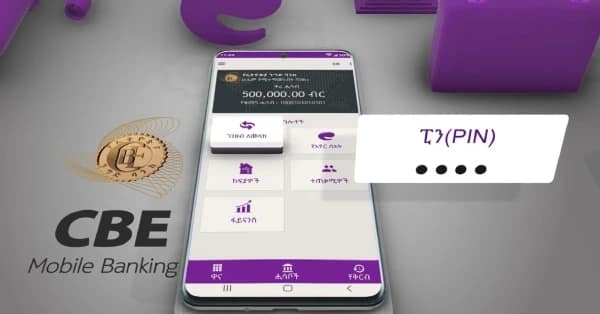
CBE mobile banking application is available for both Android and iOS. After installing the application. the customer must register himself at a nearby CBE branch for authorization and PIN. The application supports QR payments, beneficiary management, and currency exchange rates. Through this mobile app, a customer can transfers funds to other accounts. QR payments and utility bill payments can also be made. Account statement viewing, real-time balance checks, and ATM/Branch locator are among other services provided by the app.
All Commercial Bank of Ethiopia account holders are eligible to gain access to the application. But the account holder must visit a CBE branch to activate the service and receive a PIN. The “CBE Mobile Banking(New)” application can be downloaded for android and iOS devices from these links on Google Play Store and Apple App Store.
After installing the application and having authorized it at a local commercial bank of Ethiopia branch, dial *889# for standard services. Dial *847# for CBE Birr wallet services.
Connect with fayida