How to Activate Awash Bank Mobile Banking?
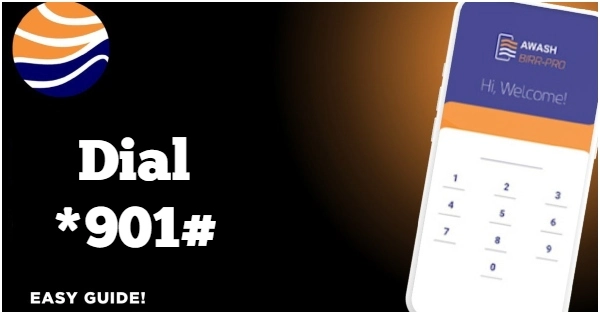
You can activate Awash Bank mobile banking by visiting any Awash Bank branch or agent, where a 4-digit PIN will be sent to your registered mobile number. After getting the PIN, Dial *901# and enter your four digit PIN. You will be required to change this initial pin. Select new PIN. Log in with the new PIN. The system will give you access to the Awash Mobile Wallet.
You can deposit and withdraw from your Awash wallet account. Up to a maximum of ETB 6,000.00 in a day or 24 hours can be withdrawn from Awash mobile wallet. You can withdraw cash from Agents, ATM or even branch. You can save up to a maximum of ETB 25,000.00 in your wallet account.
You do not requite internet to use Awash bank mobile banking services. Only mobile network is needed. Dial *901# and benefit from this service. If you forget your PIN or face other technical issues, visit your nearest Awash Bank branch or call their toll-free number at 8980.




Cod