How to Activate Awash Bank Internet Banking?
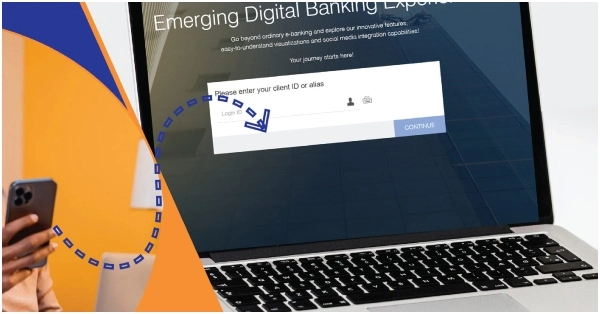
The procedure to activate Awash bank Internet banking is simple. You can carry out Awash to Awash funds transfer and Awash to other banks transfer through Awash internet banking. Your can transfer funds to mobile wallets or digital payment platforms through it. Awash internet banking enables customers to transfer funds to designated recipients who can then withdraw the cash from specified locations. Utility bills can also paid through Awash internet banking.
The best way to fully activate Awash bank internet banking is by visiting an Awash bank branch or authorized agent personally. Visit the bank with your Awash bank account details and registered mobile number. You will receive a 4-digit PIN via SMS to activate your account. Alternatively, your can register initially through the “Awash-Online” mobile application. Download the application from the Google Play Store or Apple App Store.
Once you receive your login and 4-digit PIN, open “Awash-Online” application on your mobile, enter your login & password, and perform your desired task. To use Awash bank internet banking on laptop or PC, go to the following official page, enter your login & password, and benefit from Awash bank’s online services: https://www.awashonline.com.et/login.html#/


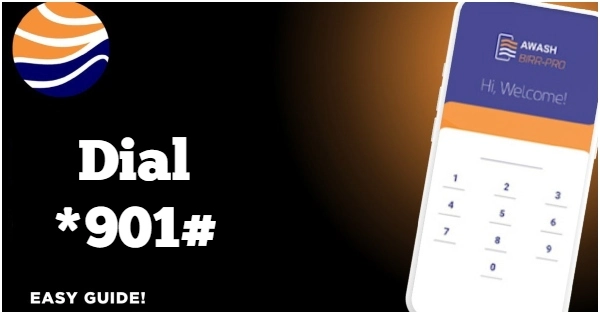



Active bank
A
Good
hi