How to Connect Fayda with Telebirr?
Last updated on May 4th, 2026 at 10:31 pm
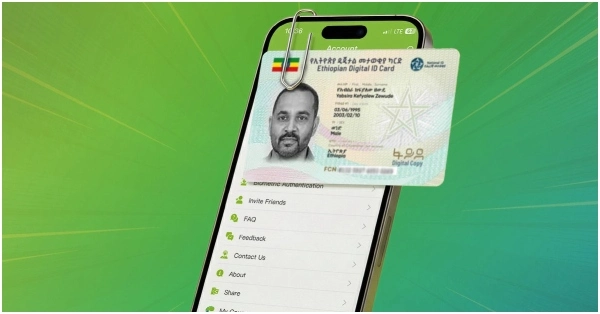
You can easily connect your Fayda ID with Telebirr Super app. Follow these simple steps:
- Download, Install and Activate Telebirr Super App on your mobile.
- Login to your Telebirr account.
- In the bottom right section of the Telebirr Super application, you will see a symbol which resembles Google Location Symbol. Click on it. Or in “Services’ section of the application, your will see “National ID” or “Fayda” mini-app, click on it.
- Select the ” Level Upgrade/Change” option.
- Click ” National ID Upgrade”.
- Enter your FIN (Fayda Identification Number).
- An OTP will be sent to your registered mobile number. Enter the OTP.
- Telebirr will ask for your permission to have access to your personal data (Name, Gender, Address etc). Click Yes.
Ethiopian Govt Raises Fuel Prices from Today
How to Connect Fayda to Ethiopian Ministry of Revenue
How to Activate Commercial Bank of Ethiopia Internet Banking?




open
ፋይዳ ከቴሌብር ለማያያዝ
Sgs
Lemastekakel neber
how to connect tele birr wiht fayida
Galatoomaa Galatoomaa
Very important information
Jsksosjdod
Fayda
to connect fida
Connected
Thi is athlet Yosef teka
Good
Hello
AS
Tqii
Fayda connected
Tank you
Tra
ok
Well
i need to connect